From single prototypes to full production runs, MBS delivers parts that hold tolerance and meet deadline.
One shop handles the entire job — cutting, forming, machining, and finished assembly — with no handoffs between vendors.
Our disciplined quality process means the same rigor applies to every part, every time.
At MBS Fabricating, precision is more than a spec. It's a discipline.
Every part is cut, formed, and machined right here in Statesville, North Carolina — with the same attention whether it's prototype one or run five hundred.
This isn't rush work.
This is fabrication done right.
A look inside MBS Fabricating.
Browse our core capabilities — click through for specs and equipment.
Expert fabrication, machining, and finishing for medical, automotive, architectural, and industrial manufacturers.
From raw sheet to finished assembly, all under one roof in Statesville.
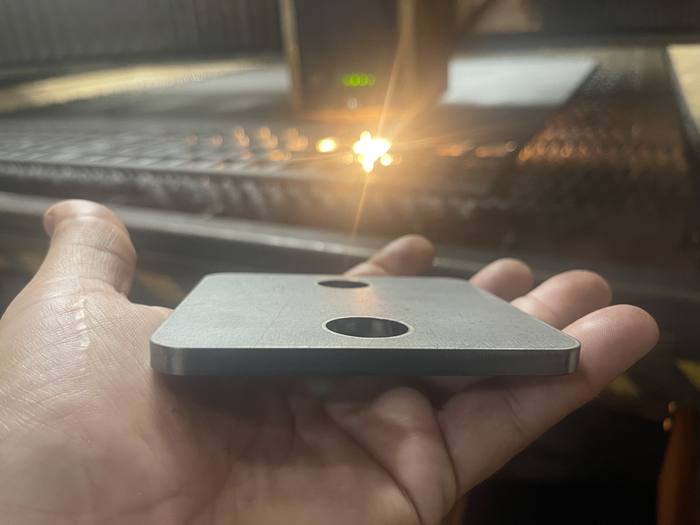
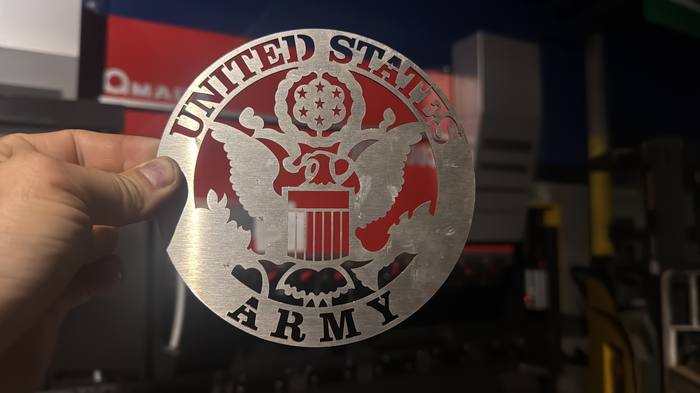
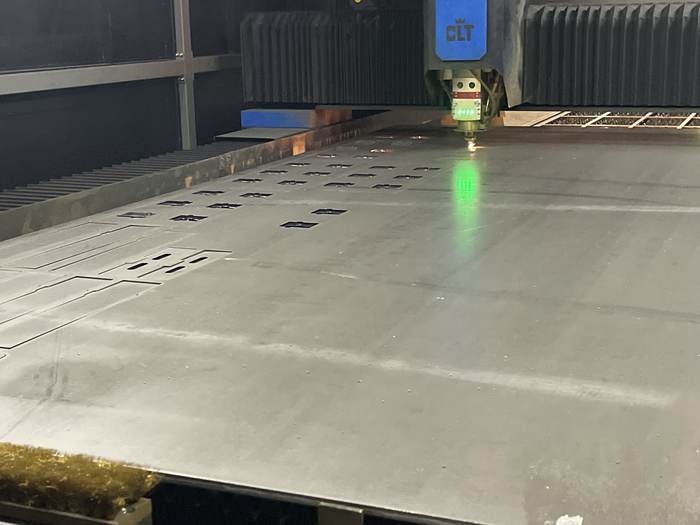
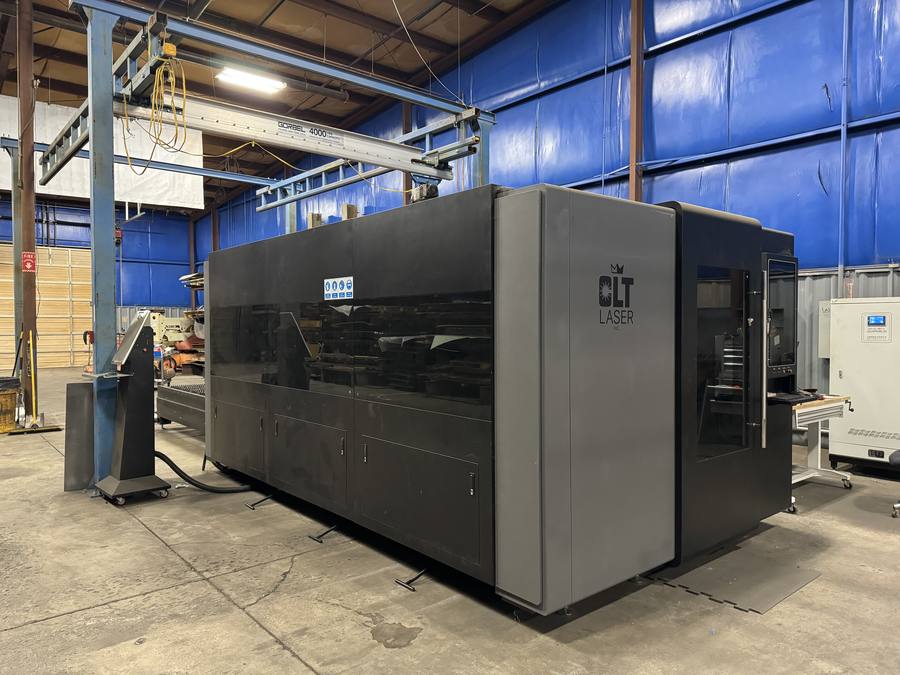
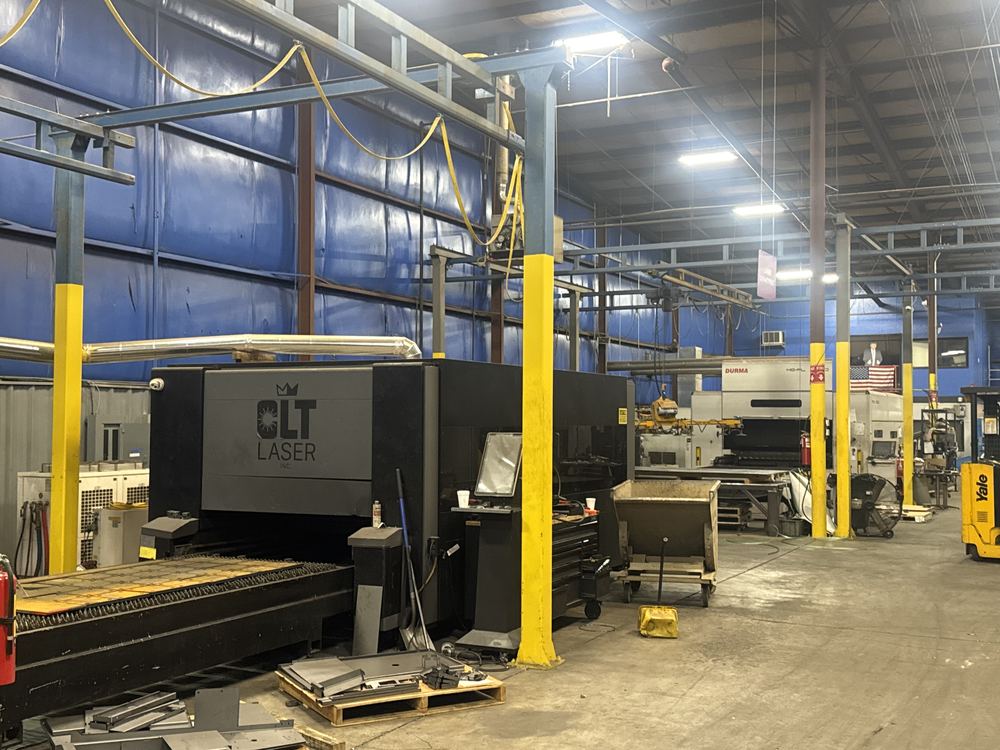
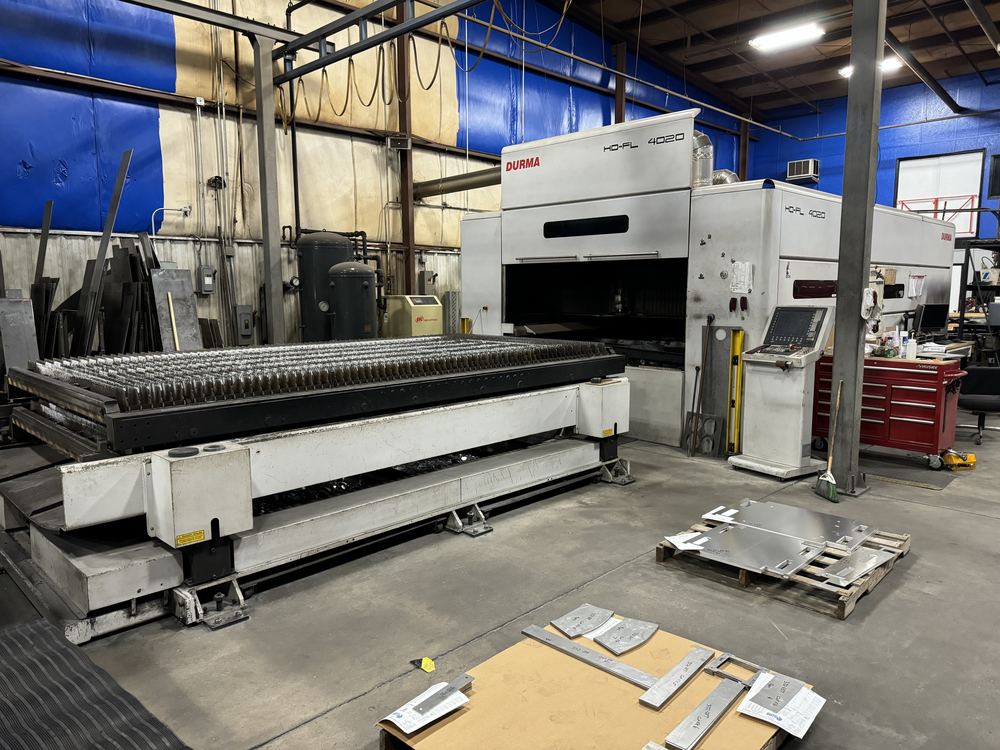
Fiber and CO2 laser cutting for parts ranging from delicate precision components to large architectural elements.
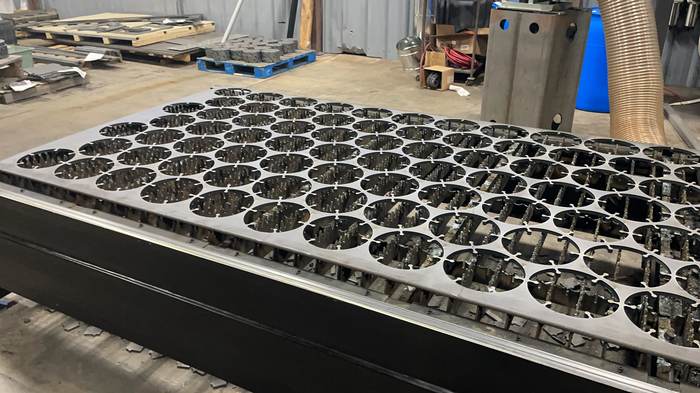
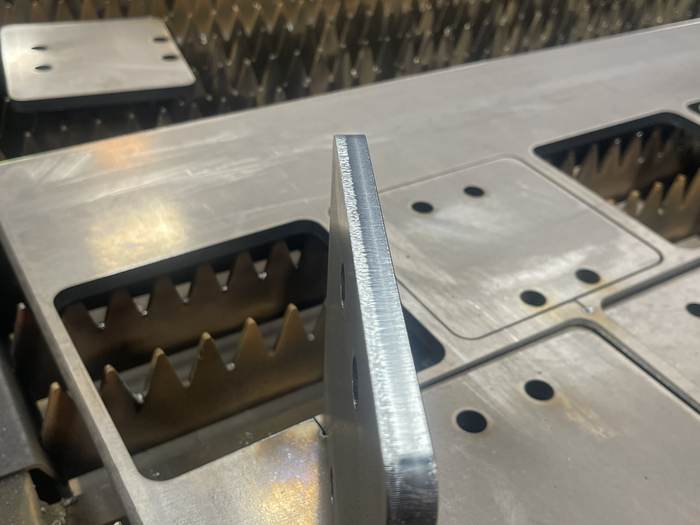
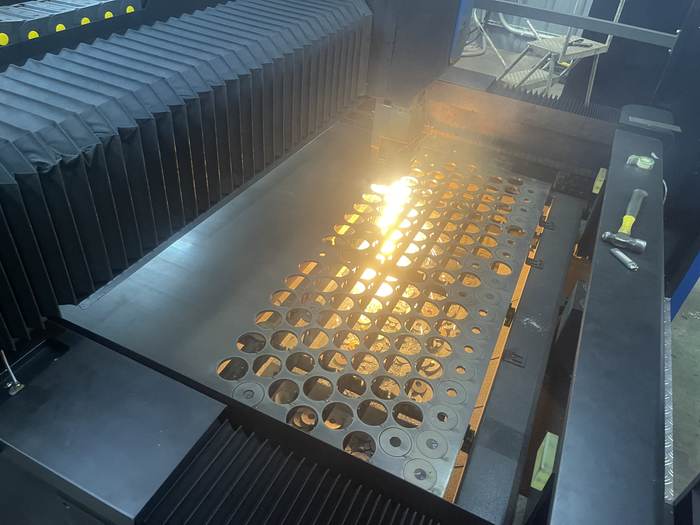
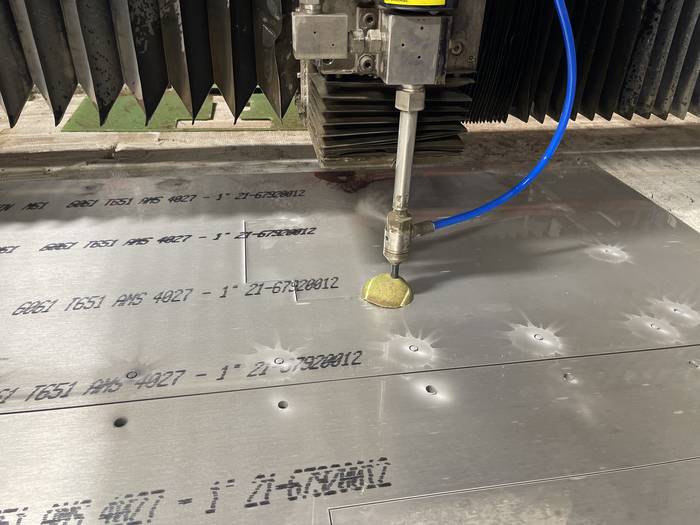
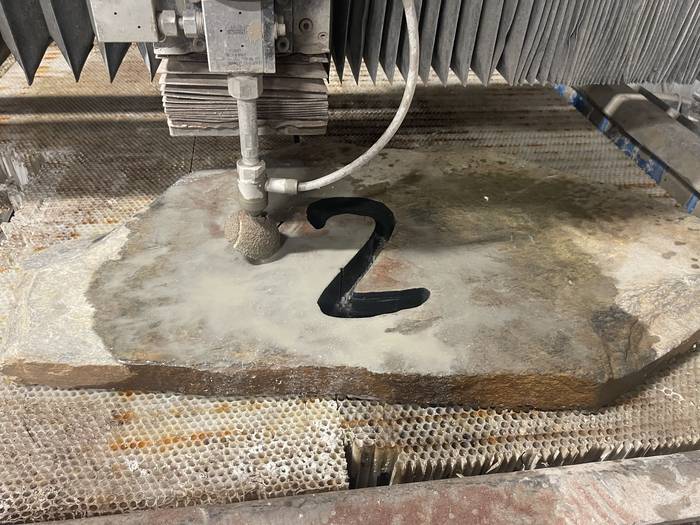
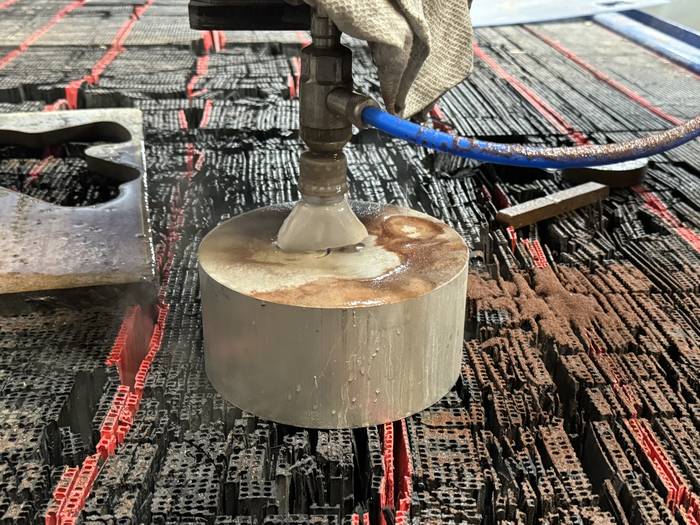
High-pressure abrasive waterjet cutting for materials and geometries that laser and punch can't touch.
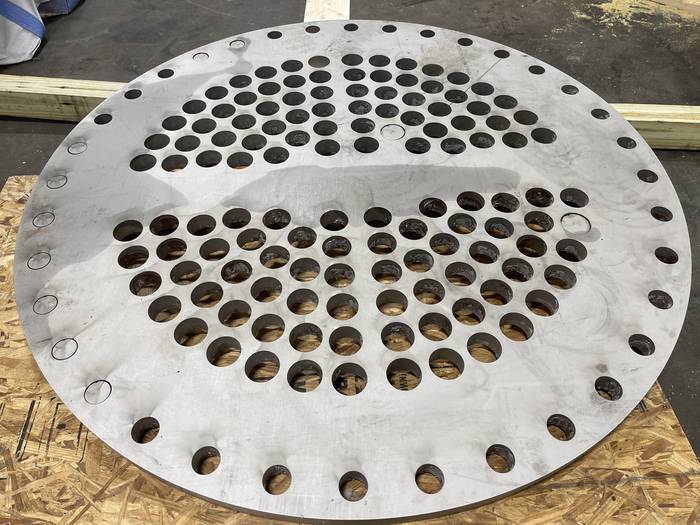
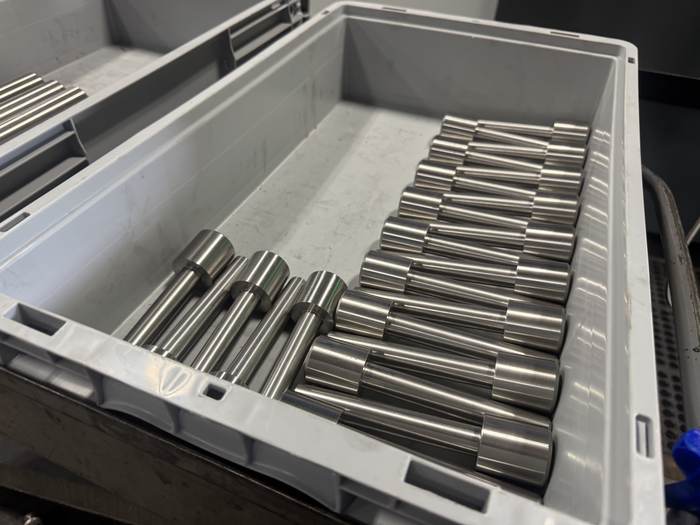
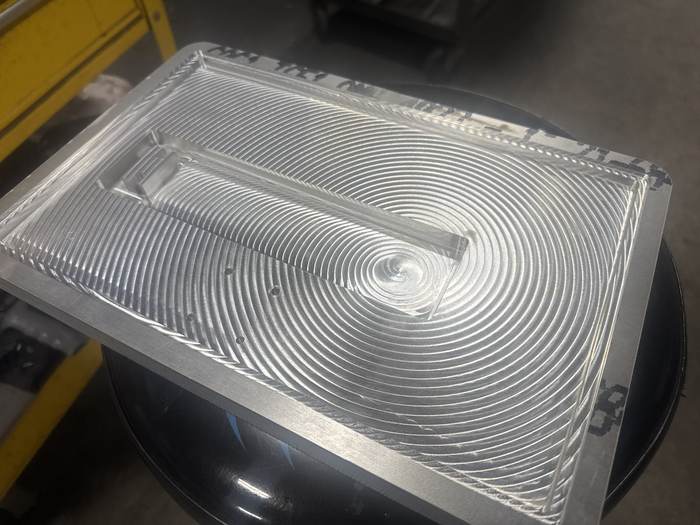
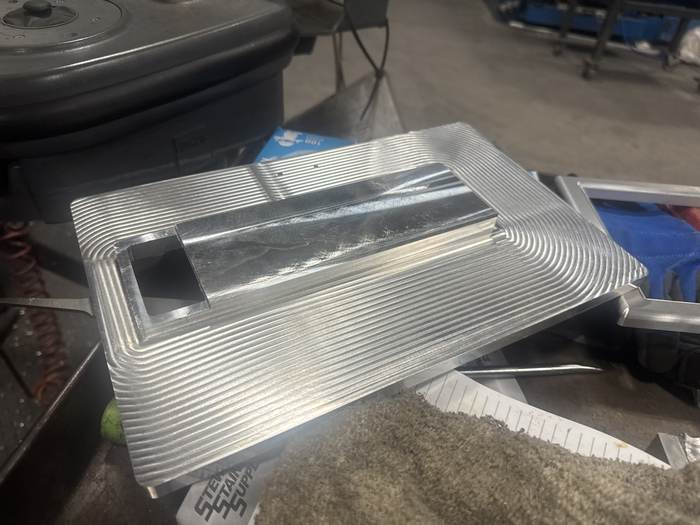
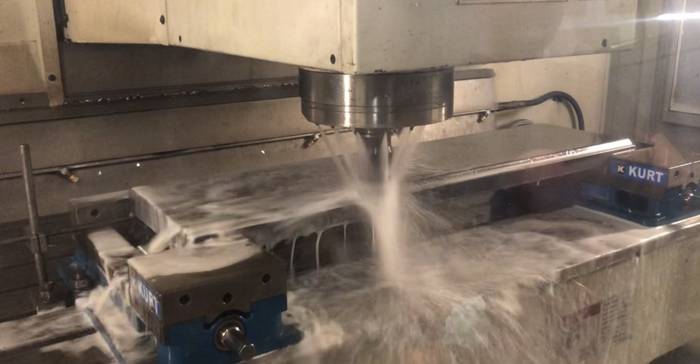
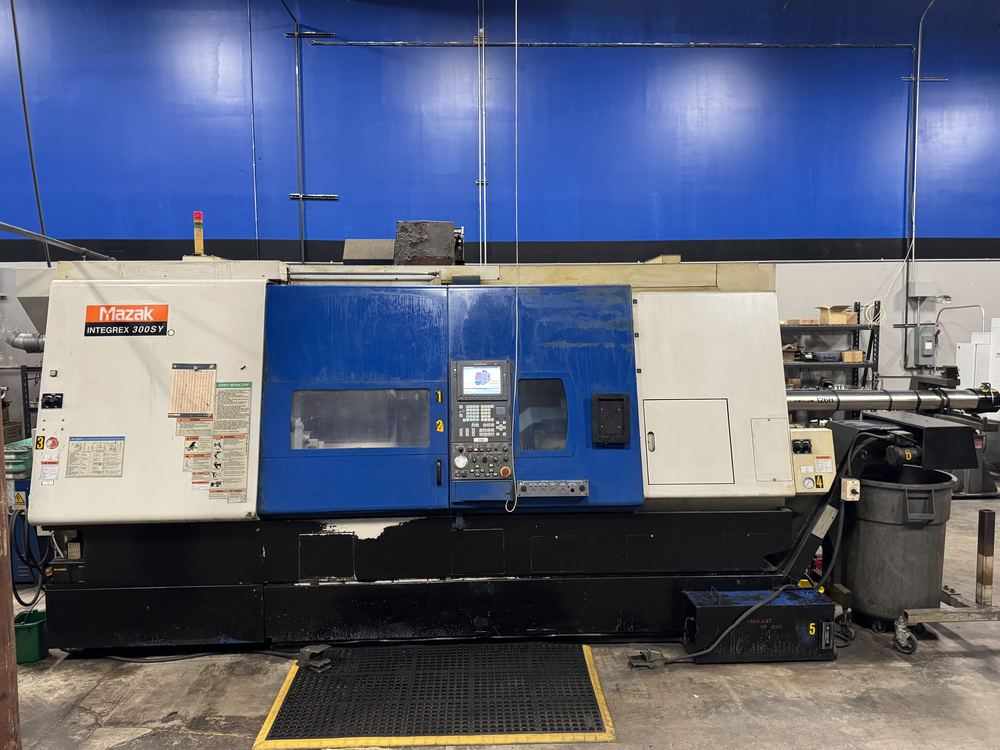
Complete CNC turning and milling for complex, tight-tolerance parts in aluminum, steel and stainless.
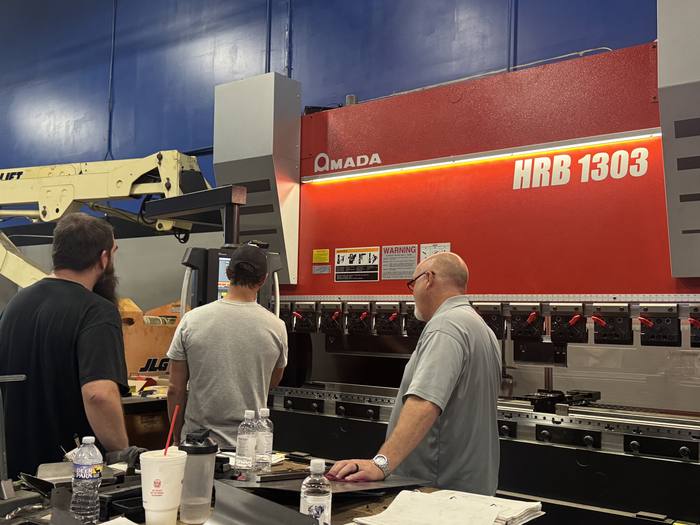
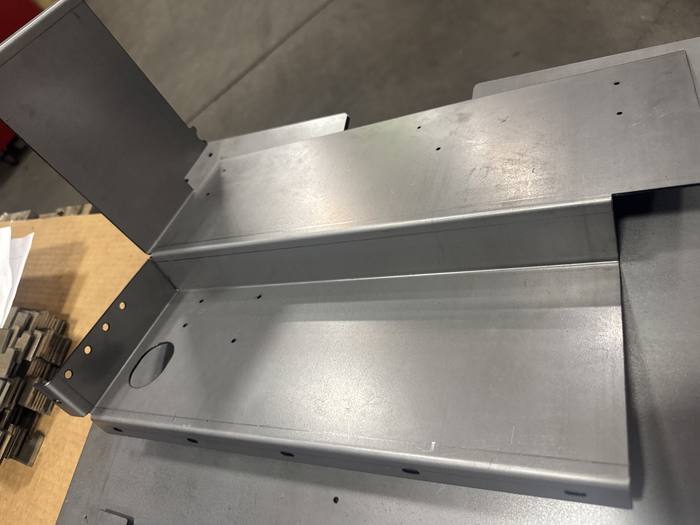
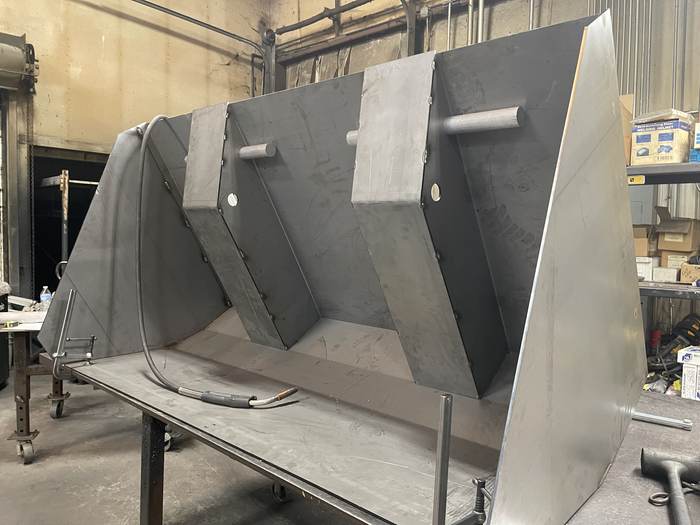
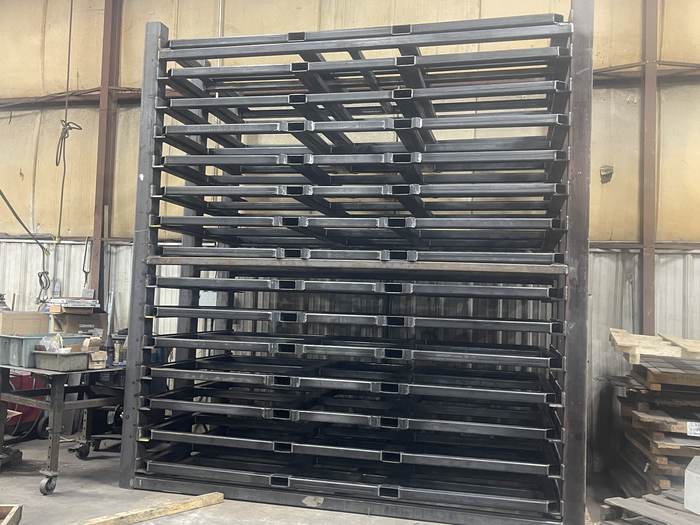
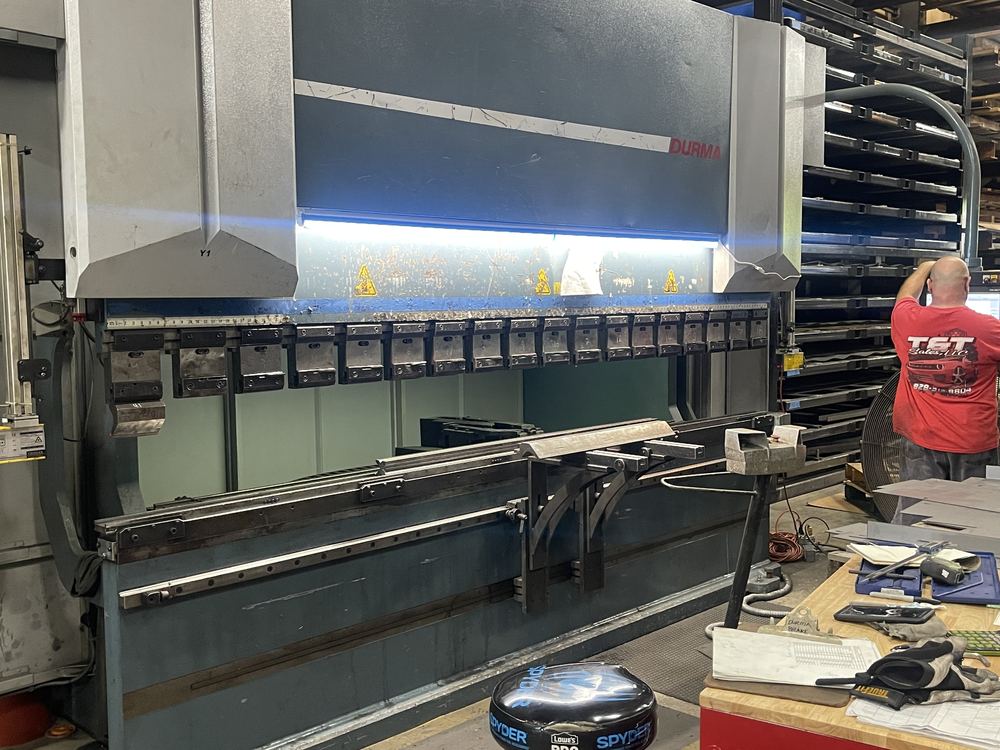
Precision forming of stainless steel, aluminum, copper and brass, on parts up to 12 feet.
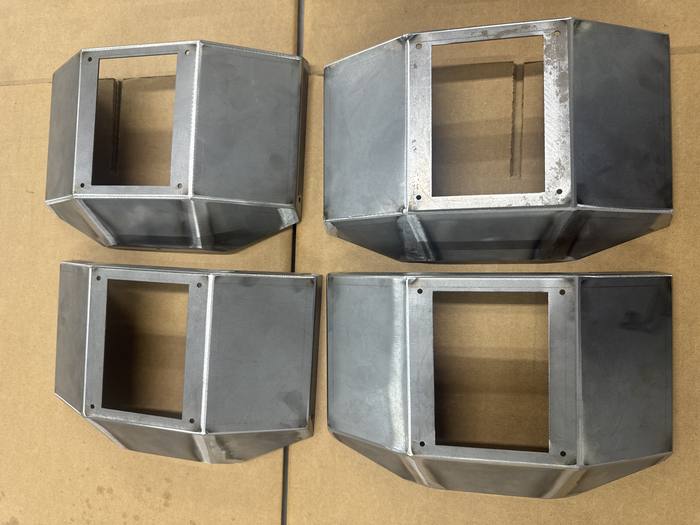
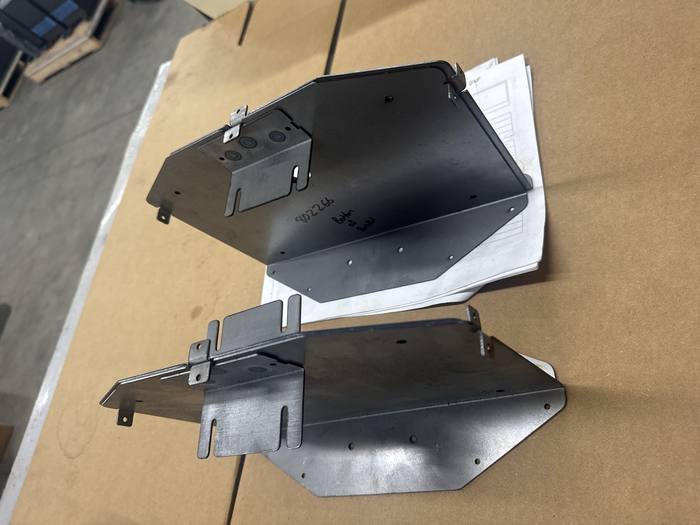
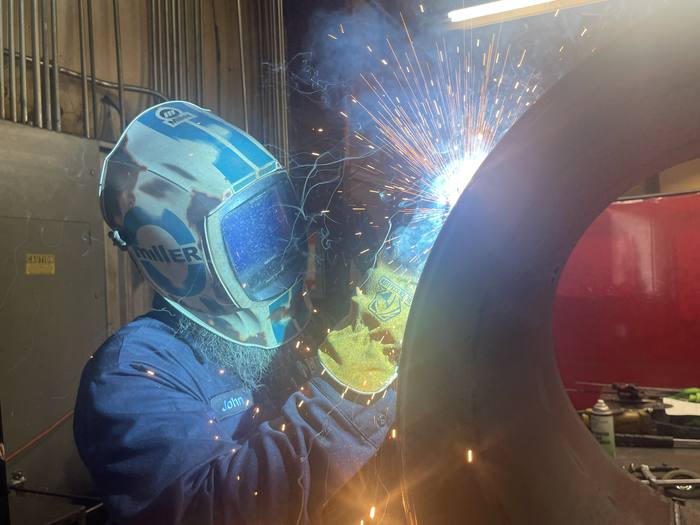
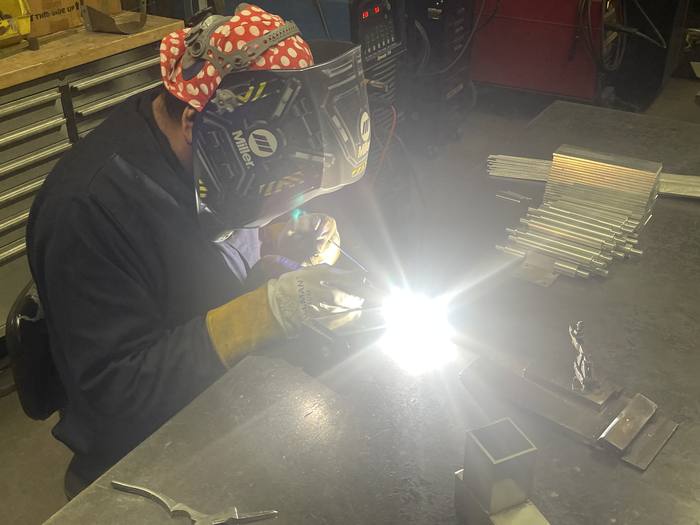
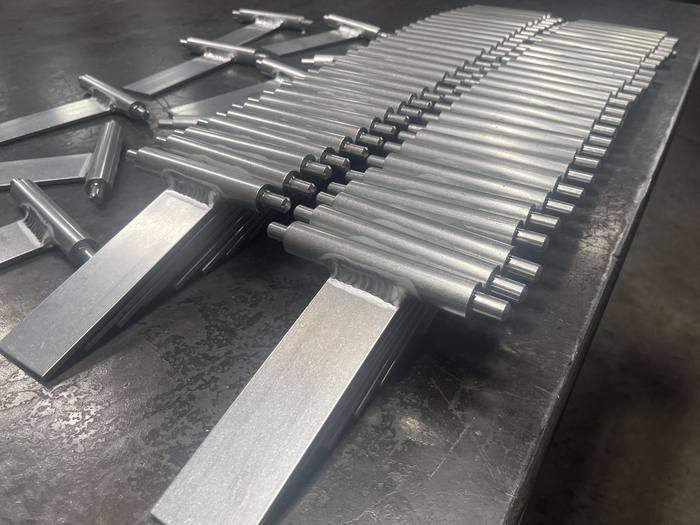
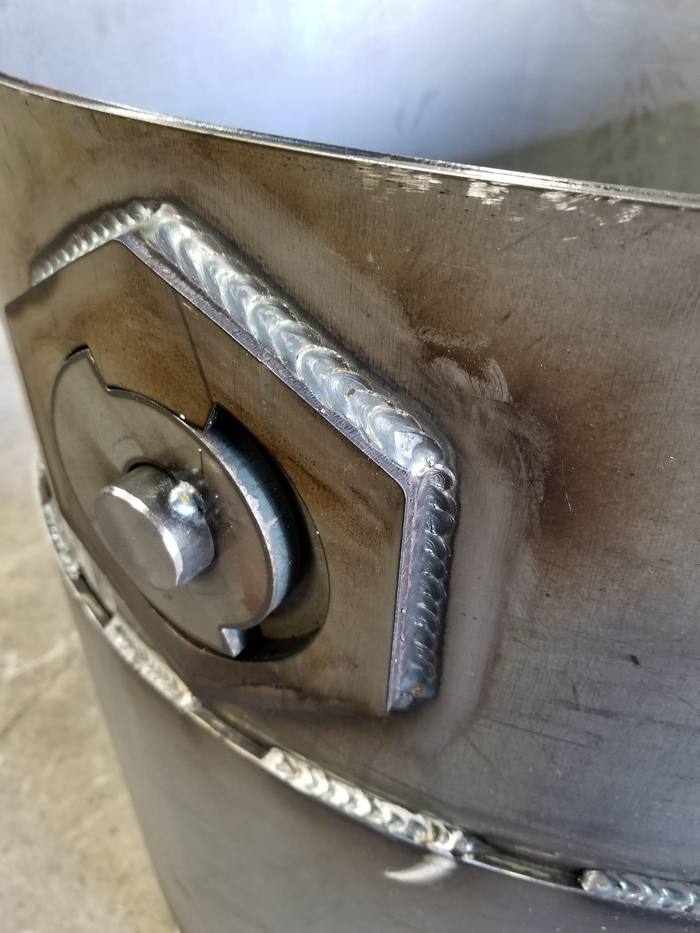
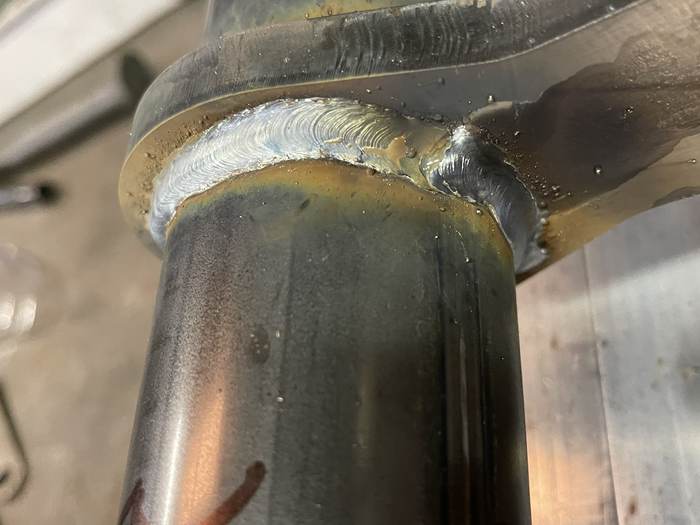
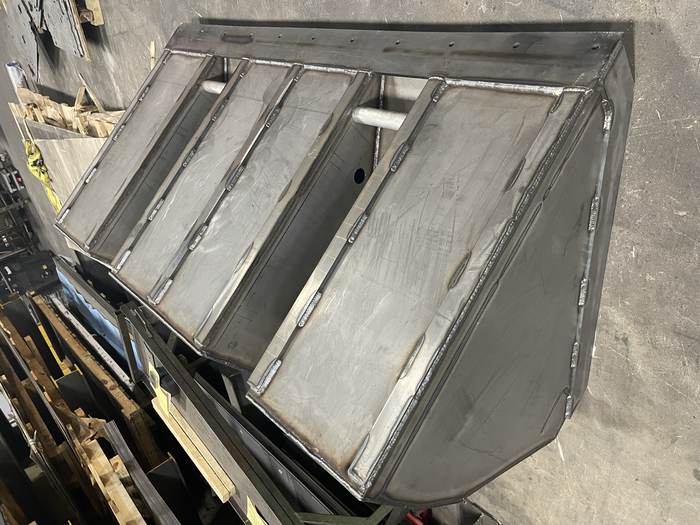
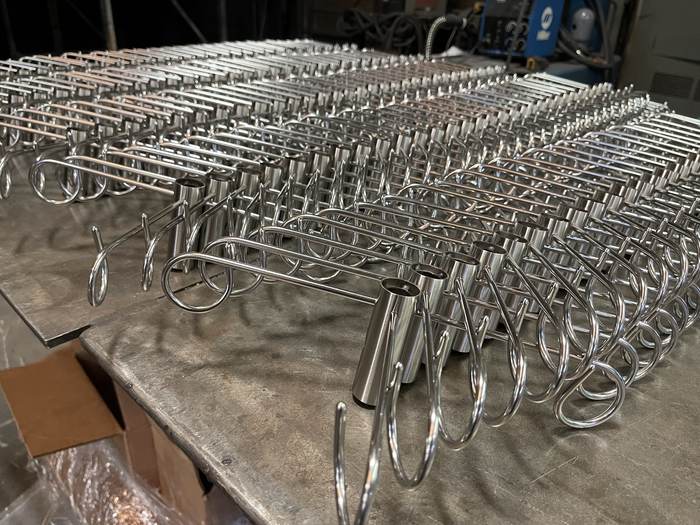
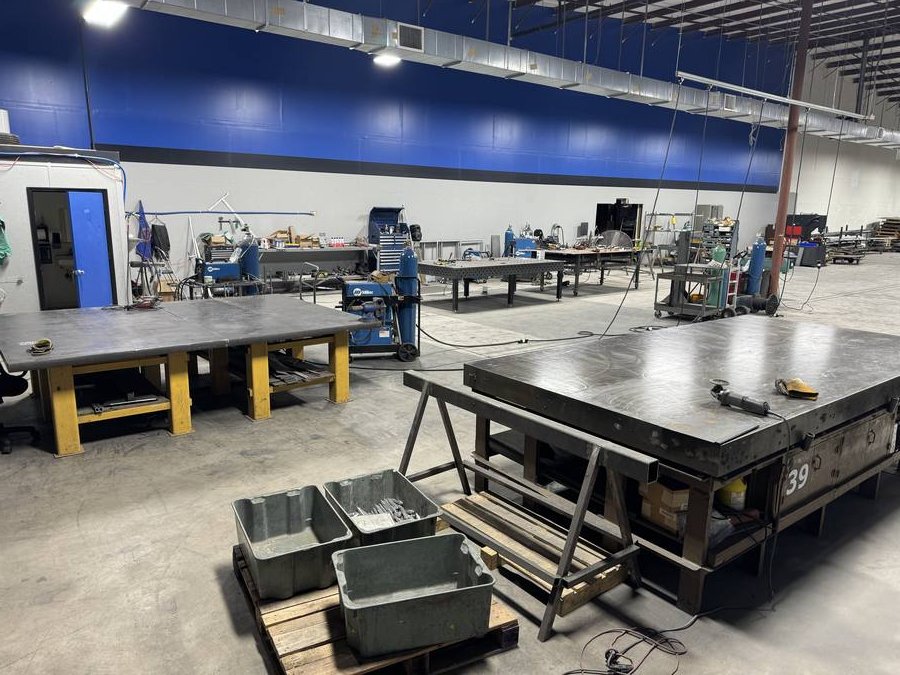
Certified welders and full assembly capability, from components to finished product.
Click a capability to see how it's built.
Fiber and CO2 laser cutting for parts ranging from delicate precision components to large architectural elements.
High-pressure abrasive waterjet cutting for materials and geometries that laser and punch can't touch.
Complete CNC turning and milling for complex, tight-tolerance parts in aluminum, steel and stainless.
Precision forming of stainless steel, aluminum, copper and brass, on parts up to 12 feet.
Certified welders and full assembly capability, from components to finished product.
Whether your job calls for fiber laser cutting, high-pressure waterjet work, multi-axis CNC turning and milling, precision press brake forming, or AWS certified welding, our team handles it in-house. That means fewer vendors, fewer handoffs, and tighter control over your timeline from print to finished part.
View Full Equipment List →The same discipline applies whether the part is a surgical device or a structural frame.
OEM manufacturing of medical products and appliances since our founding — our original line of business, built around tight tolerances and full material traceability.
Precision components and assemblies built to spec for automotive suppliers and manufacturers, from prototype runs through full production.
Laser-cut and formed architectural elements, from delicate detail work to large-format panels, finished to a standard that holds up on the building face.
Contract fabrication and machining support for manufacturers across the Carolinas and nationwide — a reliable extension of your own shop floor.
We call it a documented quality process. You'll call it peace of mind.
Every job that leaves our shop is built under the same documented quality process, whether it's headed into a piece of medical equipment or a structural assembly.
Our documented quality process allows us to create highly precise, resilient machined and fabricated parts for demanding applications, including work for the medical device and automotive sectors. Every job runs through the same process, whether it's headed into a piece of medical equipment or a structural assembly.
What began as an OEM manufacturer of medical products has grown into a full-service fabrication and machining shop — built on American manufacturing and straightforward business.
MBS Fabricating has been serving manufacturers across North Carolina, South Carolina, Virginia and beyond since 1991. What began as an OEM manufacturer of medical products and appliances has grown into a full-service metal fabrication and machining shop trusted by the medical device, automotive, architectural, and industrial manufacturing sectors. Every part is made in America, in our own shop in Statesville — built on a simple philosophy: made with integrity.
A look inside MBS Fabricating.
Three decades of doing it right.
Every part is cut, formed, and machined right here in Statesville, North Carolina — not outsourced overseas.
We tell you the truth about cost, capability, and timeline, even when it's not what you want to hear.
A full range of precision forming, CNC turning and milling, laser and waterjet cutting, welding, punching and more — all in-house.
At MBS, handshakes matter. Nearly three decades of growth have come from consistent quality and fair pricing.
We aim to be a reliable partner — going the extra mile to fulfill tight deadlines when they arise.
Bring us your next challenge and see what it's like to work with the friendly experts at MBS.
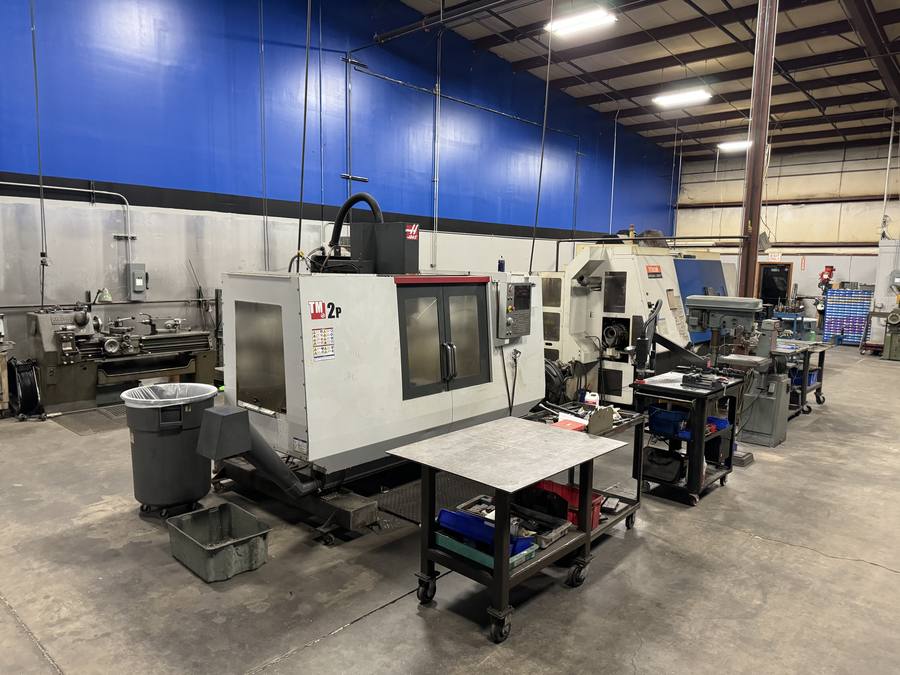
A representative list of the machines behind our capabilities.
| Machine | Type | Spec |
|---|---|---|
| Mazak Super Turbo 510HP/SC | CNC Turning & Milling | Complex, tight-tolerance parts |
| Durma 4kW Fiber Laser | Laser Cutting | 6' × 13' bed |
| CO2 Sheet Laser | Laser Cutting | Precision & architectural work |
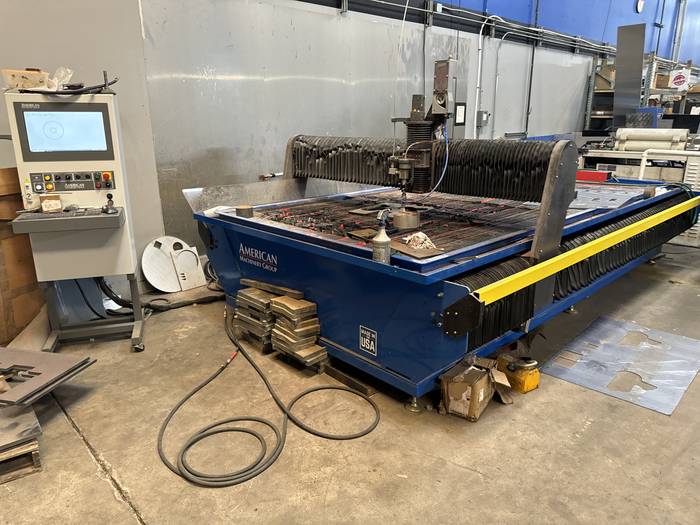
| Calypso Waterjet (×2) | Waterjet Cutting | 60,000 psi, KMT intensifiers |
| American Waterjet | Waterjet Cutting | 90,000 psi, KMT intensifier |
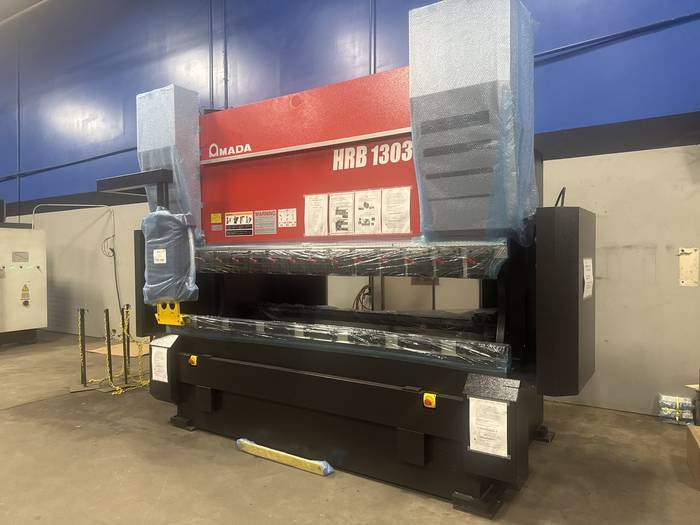
| Press Brakes | Metal Forming | 125–242 ton, up to 12' × 12' |
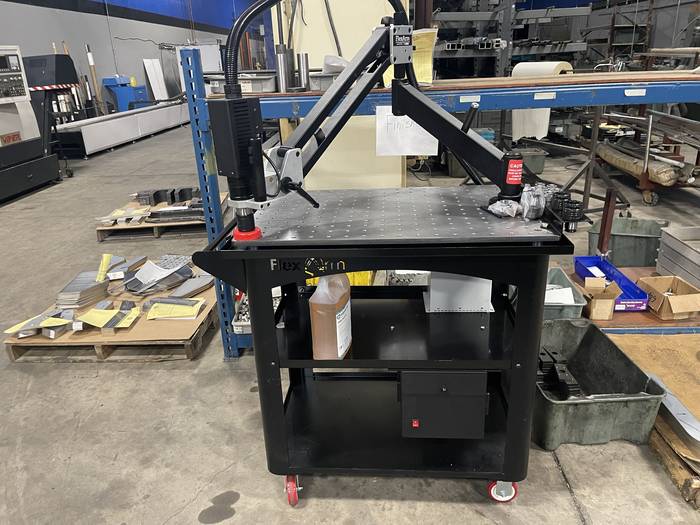
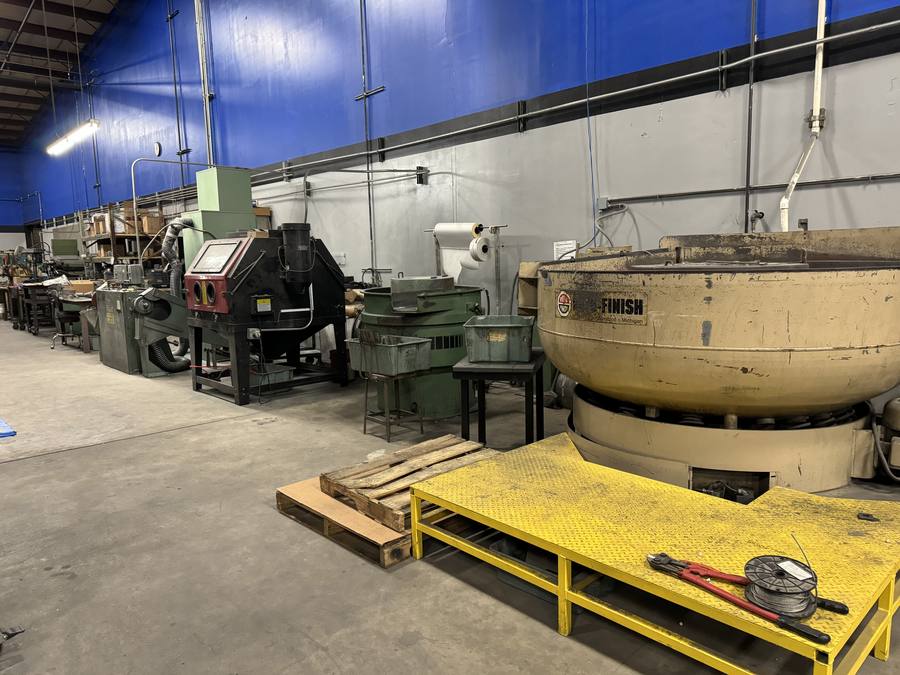
A look at the equipment behind the spec sheet above.
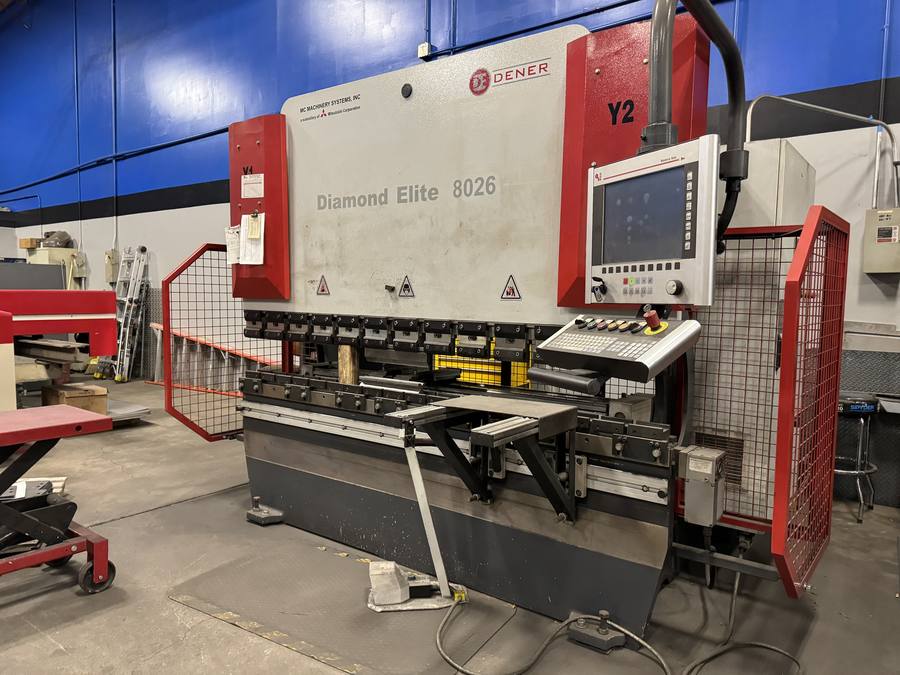
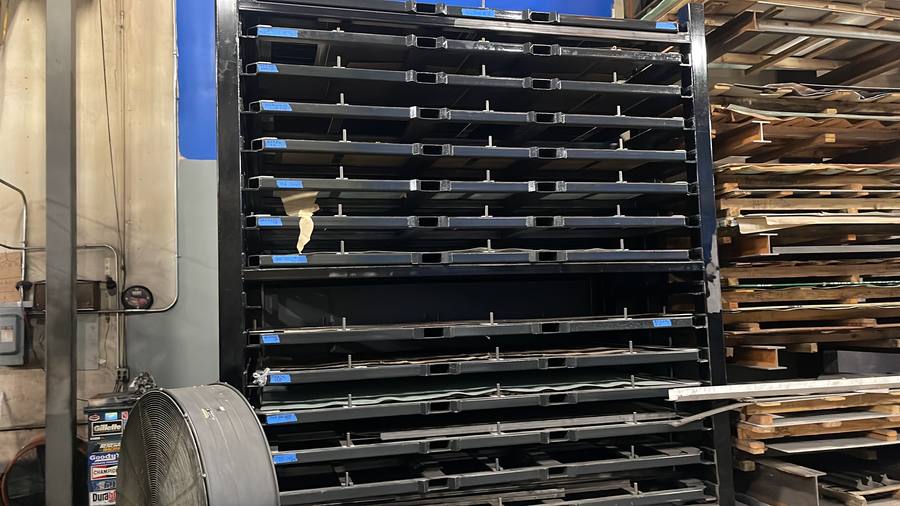
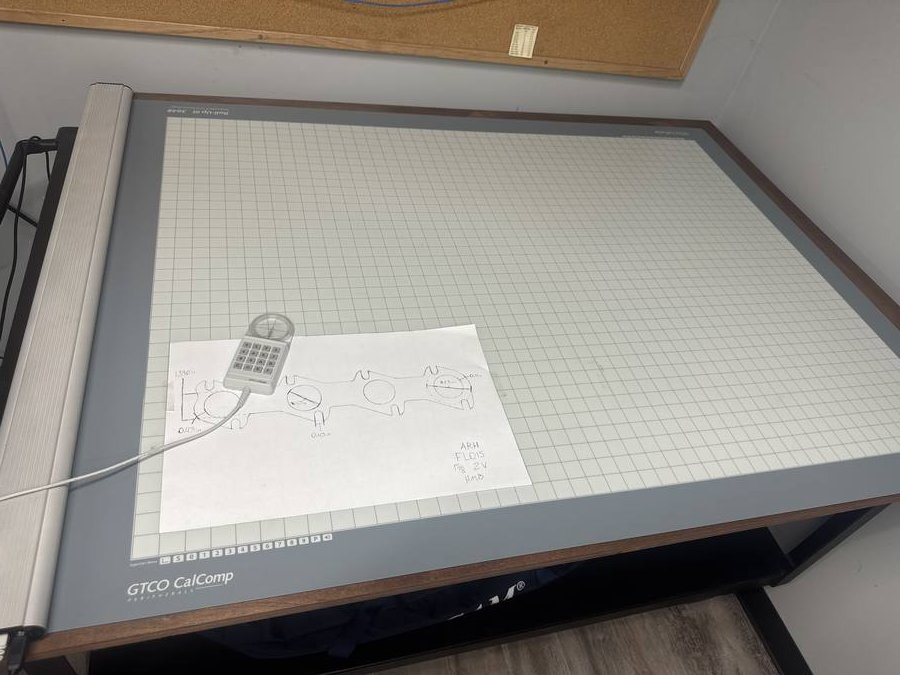
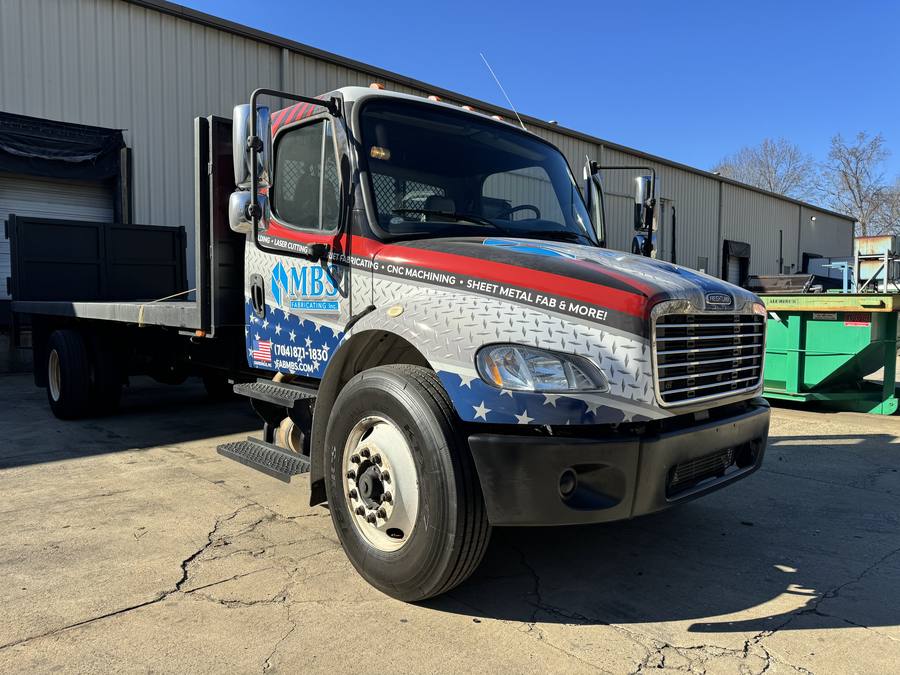
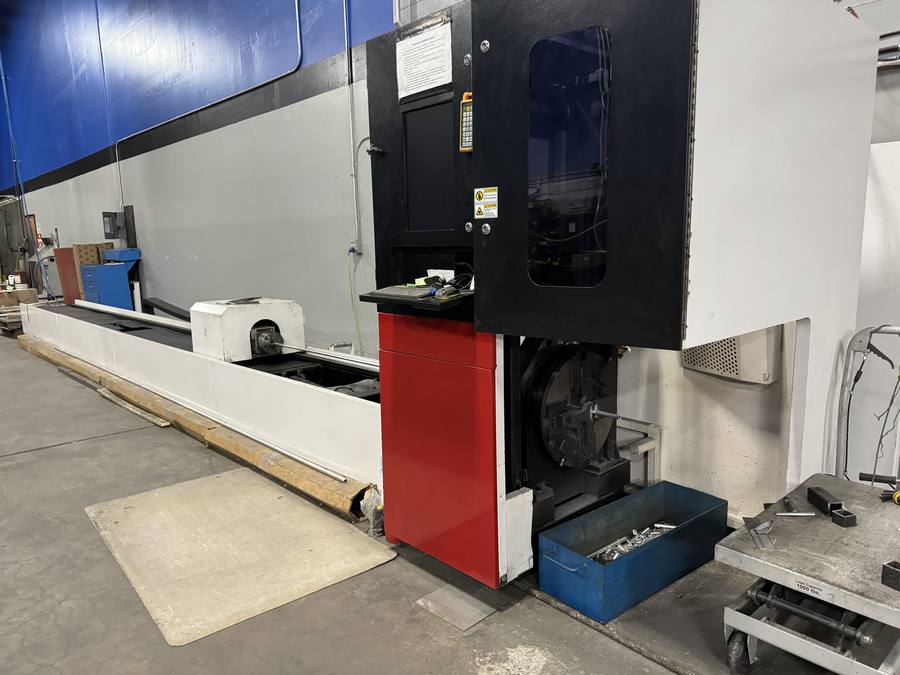
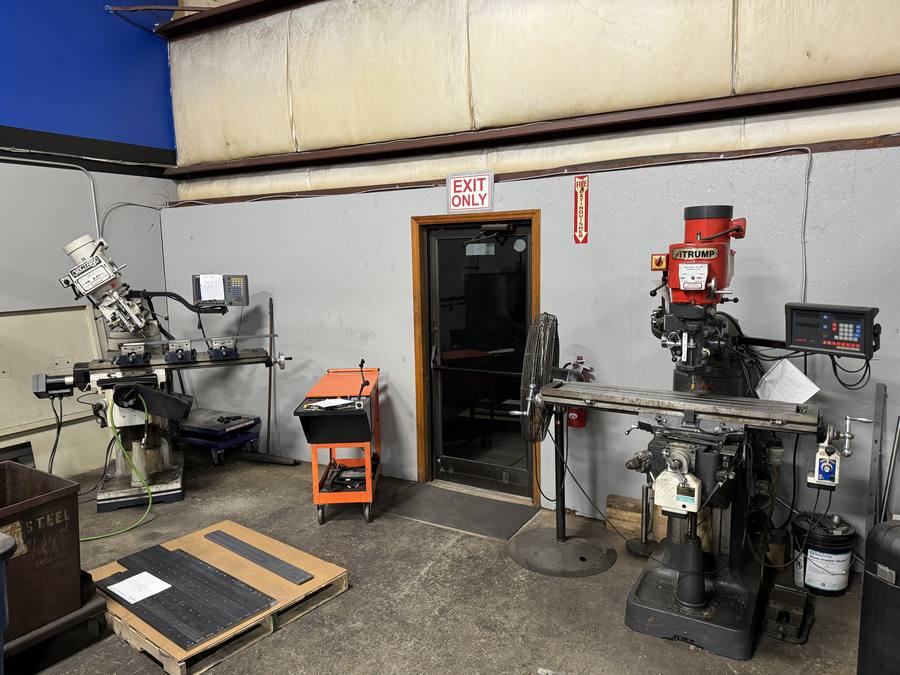
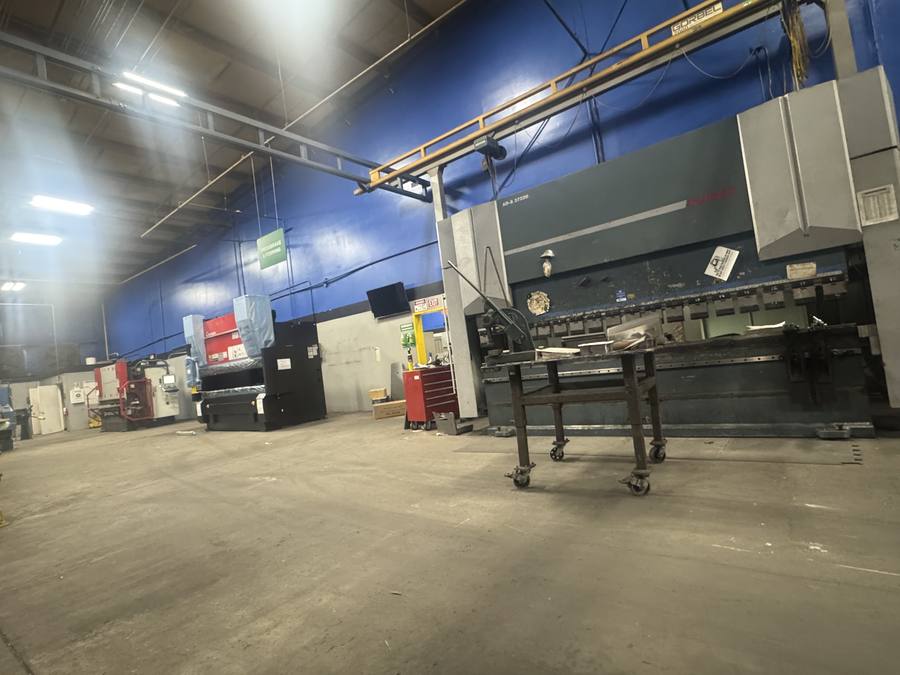
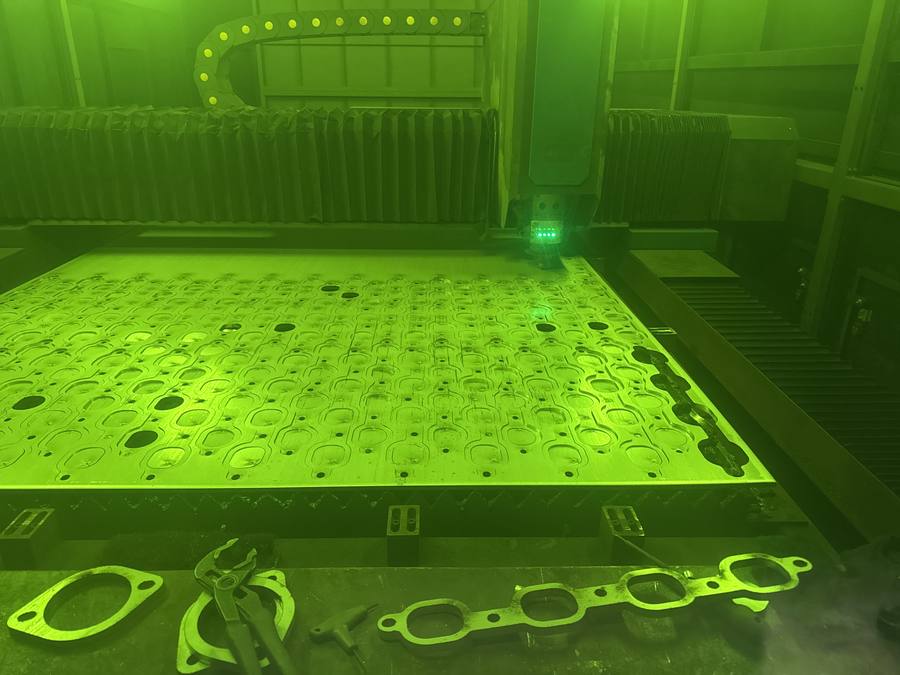
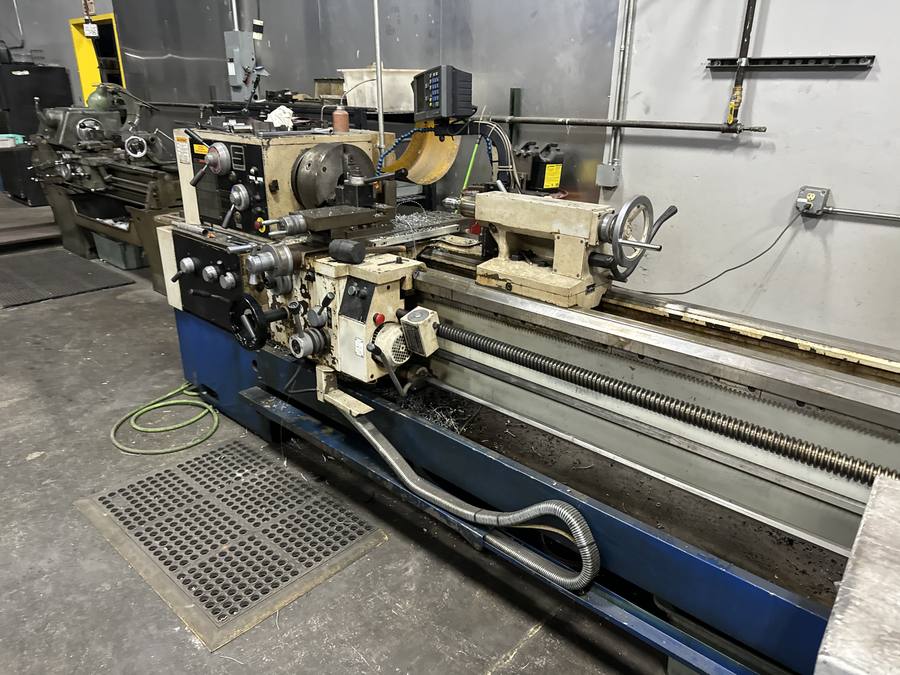
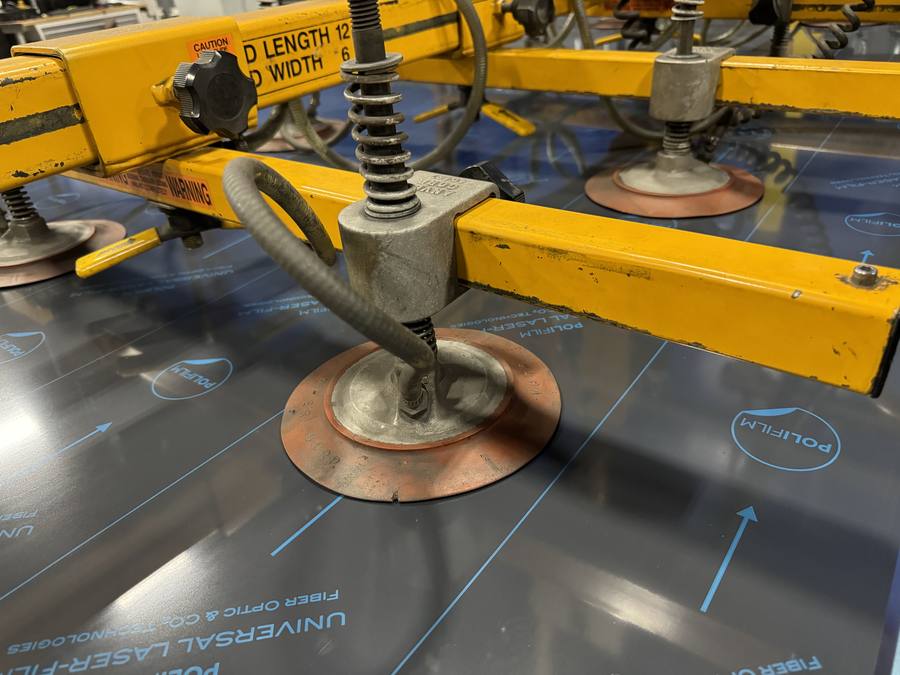
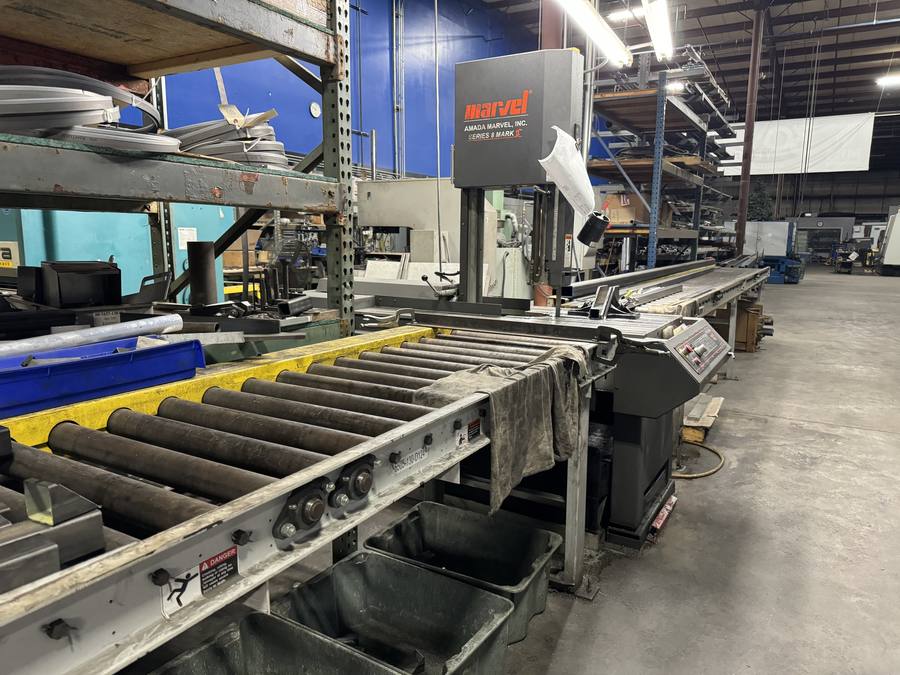
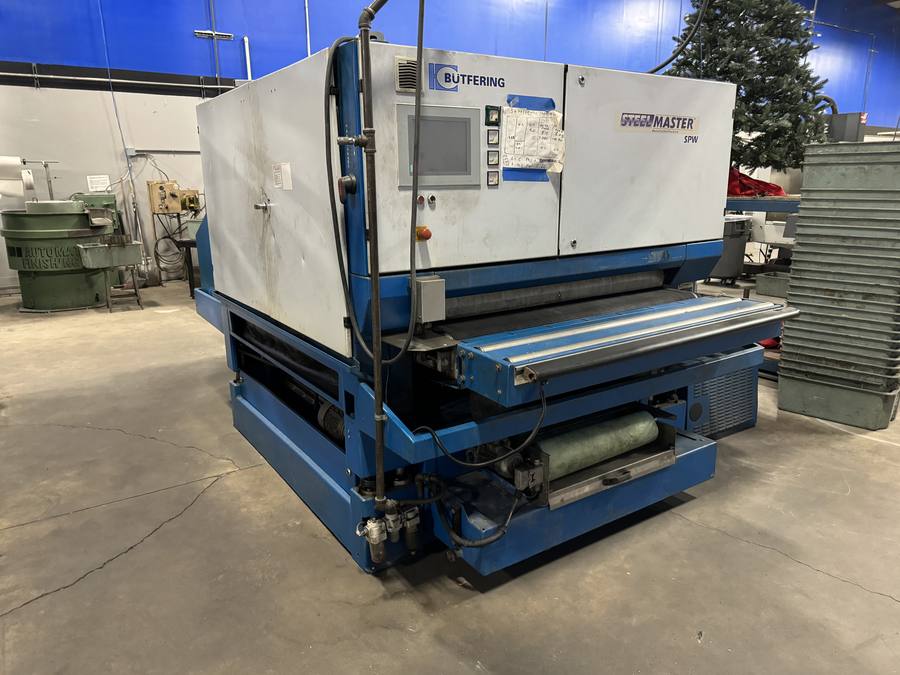
Send it over and we'll tell you which machine on this floor is the right fit for your part.
Request a QuoteSet up your account once — then get quotes, submit POs, and track everything in one place.
New to MBS? Call or email us and we'll set up your login and send you your credentials. Already have one? Just sign in.
Inside the portal, use the "Submit a PO / New Quote" tab — a purchase order to authorize a job, or a quote request if you just need pricing first.
Track status under Open, Previous, and Completed. Quote requests get priced right in the portal, where you can approve or decline with one click.
Every time something changes — a PO status update, a quote priced and ready for your review, or a change to your account — we send an email to the address on file. You never have to keep checking back to know something moved.
Our team is ready to talk through your project, quote a job, or answer questions about a print.
Ready to get a quote or talk through your next project? Call the shop or send over your prints by email. Our friendly, expert team is ready to help you get the job done right.
| Monday | 9:00 AM – 4:00 PM |
| Tuesday | 9:00 AM – 4:00 PM |
| Wednesday | 9:00 AM – 4:00 PM |
| Thursday | 9:00 AM – 4:00 PM |
| Friday | 9:00 AM – 4:00 PM |
| Saturday | Closed |
| Sunday | Closed |
| Part / Description | Qty | Notes |
|---|
By entering your initials below, you confirm you are authorized to submit this purchase order on behalf of your company.
Use your username or the email on file plus your password. If you're new to MBS, click Request an Account on the login page and we'll set you up.
Go to Submit a PO / New Quote, make sure "Purchase Order" is selected, and enter your PO number and requested ship date. Add each part under Line Items (part/description, quantity, and any notes), attach drawings or specs if you have them, type your initials to authorize, and click Submit.
Same screen — switch to Quote Request, list the parts you want priced, and submit. No PO number or initials are needed for a quote.
When MBS sends pricing, your request moves to the Quotes tab. Open it to see the price and notes, then Approve or Decline. Approving lets us start the work.
Your orders are grouped into Open PO's, Quotes, Previous, and Completed tabs. Each order shows a color-coded status. When an order is being fulfilled in batches, each line item shows how many are done and how many are still owed — the order stays open until everything is complete.
Use Print Report or Export Report at the top of the portal to get a copy of your order history.
Under My Account you can edit your contact details and change your password.
Double-check your username/email and password. If you've forgotten your password, click Forgot your password? on the login page to get a temporary one by email. Still stuck? Contact us below.
For security, sessions end after a period of inactivity, and everyone is signed out when the site updates. Just log back in — your data is safe.
Check your spam/junk folder first. If it's not there, the email on file may be out of date — contact us and we'll confirm it.
Attachments are limited to 25 MB each, up to 10 files. Very large files may need to be zipped or emailed to us directly.
Check the right tab — open orders are under Open PO's, priced quotes under Quotes. Refresh the page. If it's still missing, contact us with your PO number.
Quotes & Estimating: (704) 871-1831
General Inquiries: (704) 871-1830
Email: info@fabmbs.com
| PO # | Customer | Submitted | Ship Date | Items | Files | Status |
|---|
| Reference # | Customer | Submitted | Items | Files | Status | Price |
|---|
Export purchase order and quote data as a CSV file, ready for Excel or Google Sheets.
Every PO and quote request in the system, in one file.
Just the purchase orders — no quote requests mixed in.
Just the quote requests — pending, quoted, approved, and denied.
Filter to a single status before exporting.
Every PO and quote tied to one customer.
Everything submitted between two dates.
Totals and counts — a quick snapshot instead of a row-by-row list.
New account requests submitted from the login page. Approve pre-fills a new customer account with their details, Mark Handled keeps it for your records, and Delete removes it.
| Date | Company | Contact | Phone | Message | Status |
|---|
| Name | Username | Access |
|---|
This downloads one file containing everything — every customer account, purchase order, quote, team member, the admin account, and all uploaded attachments. Keep it somewhere safe (your computer, an external drive, or cloud storage). Download a fresh backup regularly, and especially before making big changes.
In All Purchase Orders or By Customer, use the color-coded status dropdown on each order: Open, In Progress, Partial Complete, Completed, or Cancelled. Changing it notifies the customer automatically.
Choose Partial Complete from the status dropdown (or open the order and click Record Partial Completion). Enter how many of each item are done now — the screen shows what's still owed. The order stays open until every item is fully fulfilled, at which point it flips to Completed. Each entry is logged in the order's Fulfillment History, and the customer is emailed an update.
Open the Quote Requests tab and click Respond with Price to send pricing and notes. The customer approves or declines from their portal.
New requests from the login page appear under Account Requests (and you'll get a popup at login when any are waiting). Click Approve to open a pre-filled new-customer form — the request clears once you save the account. You can also Mark Handled or Delete.
Customer Accounts (administrator only) is where you add and edit customer logins. Team Members lets you add staff and set what they can do (manage POs, manage team, or read-only).
The Reports tab exports order and customer data in several formats for your records.
Under Backup & Restore, download a full backup regularly and keep it somewhere safe. If data is ever lost, you can restore from that file. See the warning there — restoring replaces current data.
Confirm their account under Customer Accounts and that the username/email is correct. You can reset their password there, or they can use Forgot your password? on the login page.
Everyone is signed out when the site updates or after inactivity. Log back in — data stored on the persistent disk is not affected.
Refresh the page first. If records are genuinely missing, restore the most recent file under Backup & Restore. (This is why a regular backup habit matters.)
Automated emails (confirmations, quotes, password resets) require an email service to be configured on the server. If none is set up yet, the system records the message but doesn't send it. Reach out to whoever manages the site setup to enable email.
Use Forgot your password? on the staff login screen to send a temporary password to the admin email on file.
An order only becomes Completed when every line item's completed quantity reaches its ordered quantity. Open the order and check for any item still showing an amount owed.
Quotes & Estimating: (704) 871-1831
General Inquiries: (704) 871-1830
Email: info@fabmbs.com